The complete ATS resume guide: what actually passes the filters in 2026
Jorge Sánchez·August 24, 2026
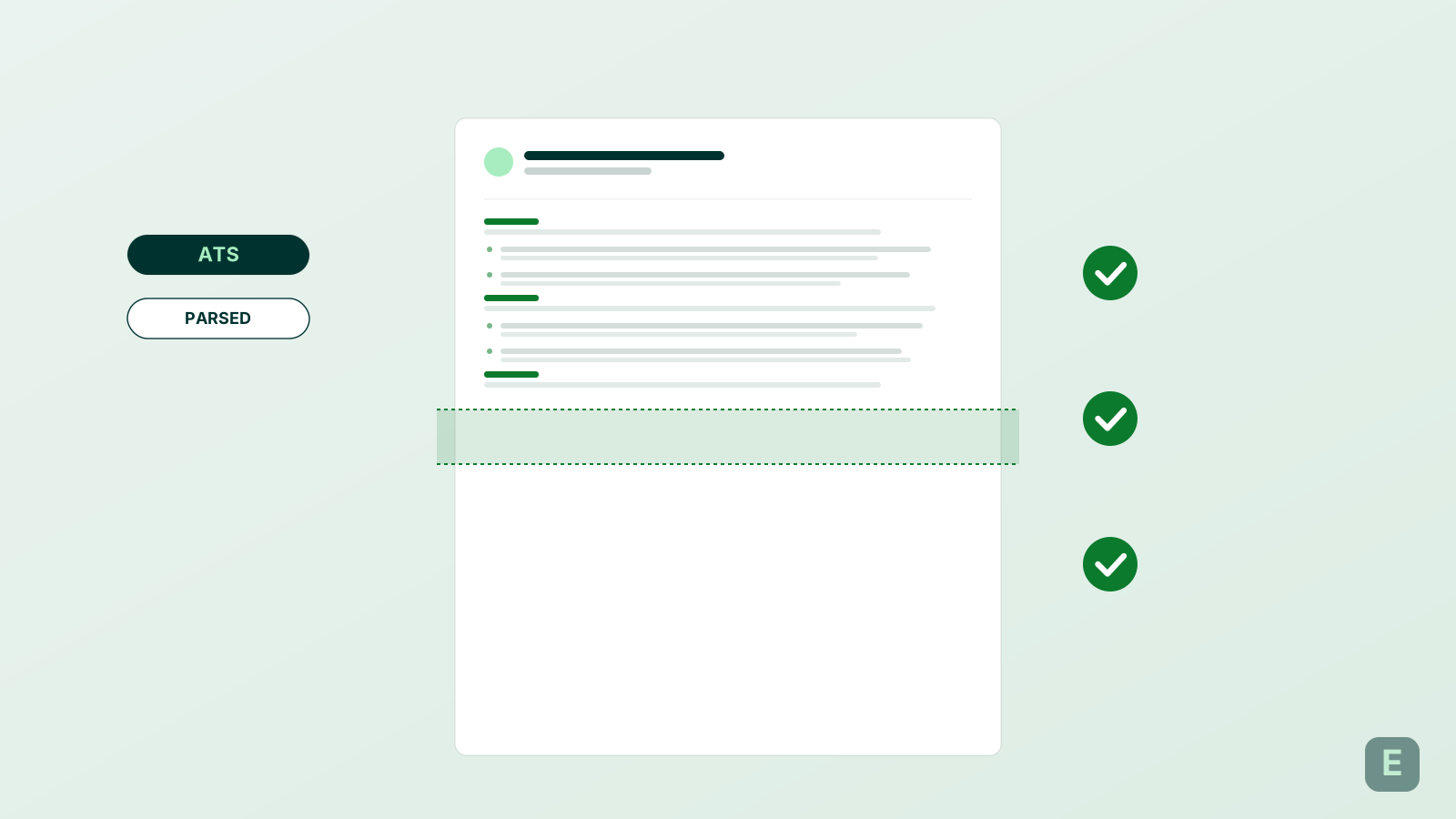
One source of truth on ATS parsing — how Workday, Greenhouse, Lever, Ashby and iCIMS read your resume, what they reject, and the format that consistently ranks higher inside the recruiter's search.
Every candidate you're competing with knows the word "ATS." Few know what it actually checks. This guide is the short version of what four years of resume-parsing evidence — internal ATS documentation, hiring-manager interviews, and side-by-side test uploads across Workday, Greenhouse, Lever, Ashby, and iCIMS — says about what gets through and what doesn't.
Want to see how an ATS actually scores your current resume? Emplirao's CV analysis reads your PDF, flags the exact anti-patterns below, and returns a keyword-alignment report against any job description.
Analyze my resumeWhat an ATS actually does
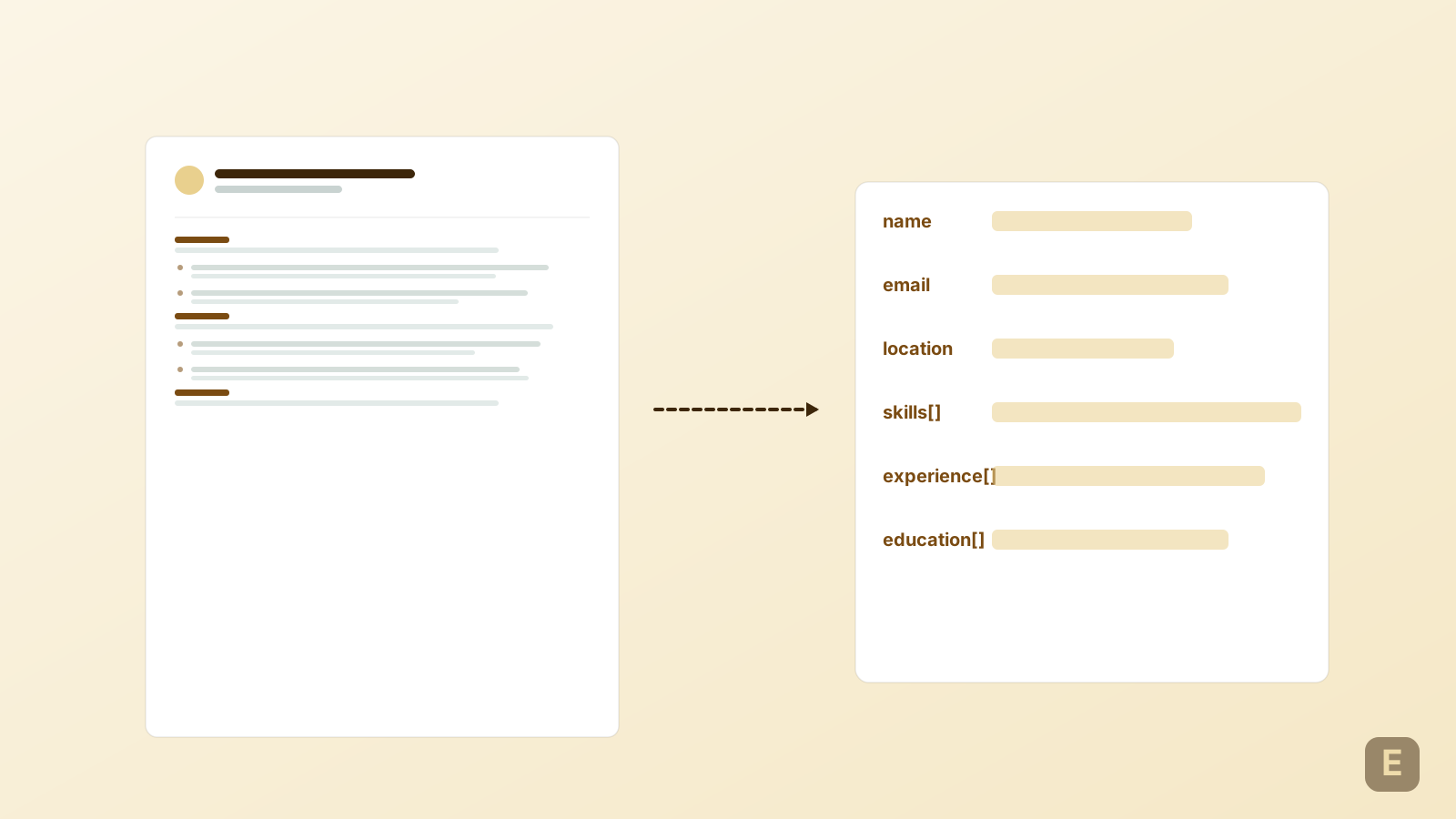
An ATS (Applicant Tracking System) is not a robot with judgment. It's a database with a keyword search. Its two jobs are: (1) parse your PDF into structured fields — name, contact info, roles, dates, skills, education — so a recruiter can filter and sort candidates; (2) surface your record when a recruiter types Boolean queries like "python AND django AND (senior OR staff)."
Everything else you've read about ATS is downstream of those two jobs. Fancy templates fail because they break parsing. Keyword stuffing fails because Boolean searches require the keyword to appear near contextually correct terms — not in a wall at the bottom of the page.
The format that consistently parses cleanly
- Single-column layout. Two-column layouts get flattened; text jumps rows in unpredictable order.
- Standard sans-serif font (Inter, Calibri, Arial, Helvetica). Custom or decorative fonts render as "missing glyph" boxes when the ATS's PDF library doesn't have them.
- Text-only sections. No images of text, no icons carrying meaning (a small icon next to "email" is fine; a whole skills list rendered as an image is invisible).
- Standard section headings: Experience, Education, Skills, Certifications, Projects. Cute rebrands ("My Journey," "What I Bring") break the parser's regex.
- Dates in a consistent format (MM/YYYY or Month YYYY). Not "3 years" or "since 2022." The ATS uses these to compute years-of-experience filters.
- Contact info in text at the top: full name, email, phone, city (state optional), LinkedIn URL. Never in a header/footer element — those get stripped.
What every ATS silently drops
Anti-patterns and how each major ATS handles them
| Anti-pattern | Workday | Greenhouse | Lever | Ashby |
|---|---|---|---|---|
| Two-column layout | Text scrambled | Text scrambled | Text scrambled | Text scrambled |
| Header/footer contact info | Dropped | Dropped | Partially kept | Dropped |
| Text inside images | Invisible | Invisible | Invisible | Invisible |
| Tables for key data | Row order lost | Row order lost | Row order lost | Row order lost |
| Custom font (not embedded) | Missing glyphs | Missing glyphs | Missing glyphs | Missing glyphs |
The pattern is uniform: every major ATS fails the same way on the same anti-patterns. So the "Workday-optimized" resume some agencies charge for is a marketing story — the fix is the same everywhere.
Keywords: the single biggest lever
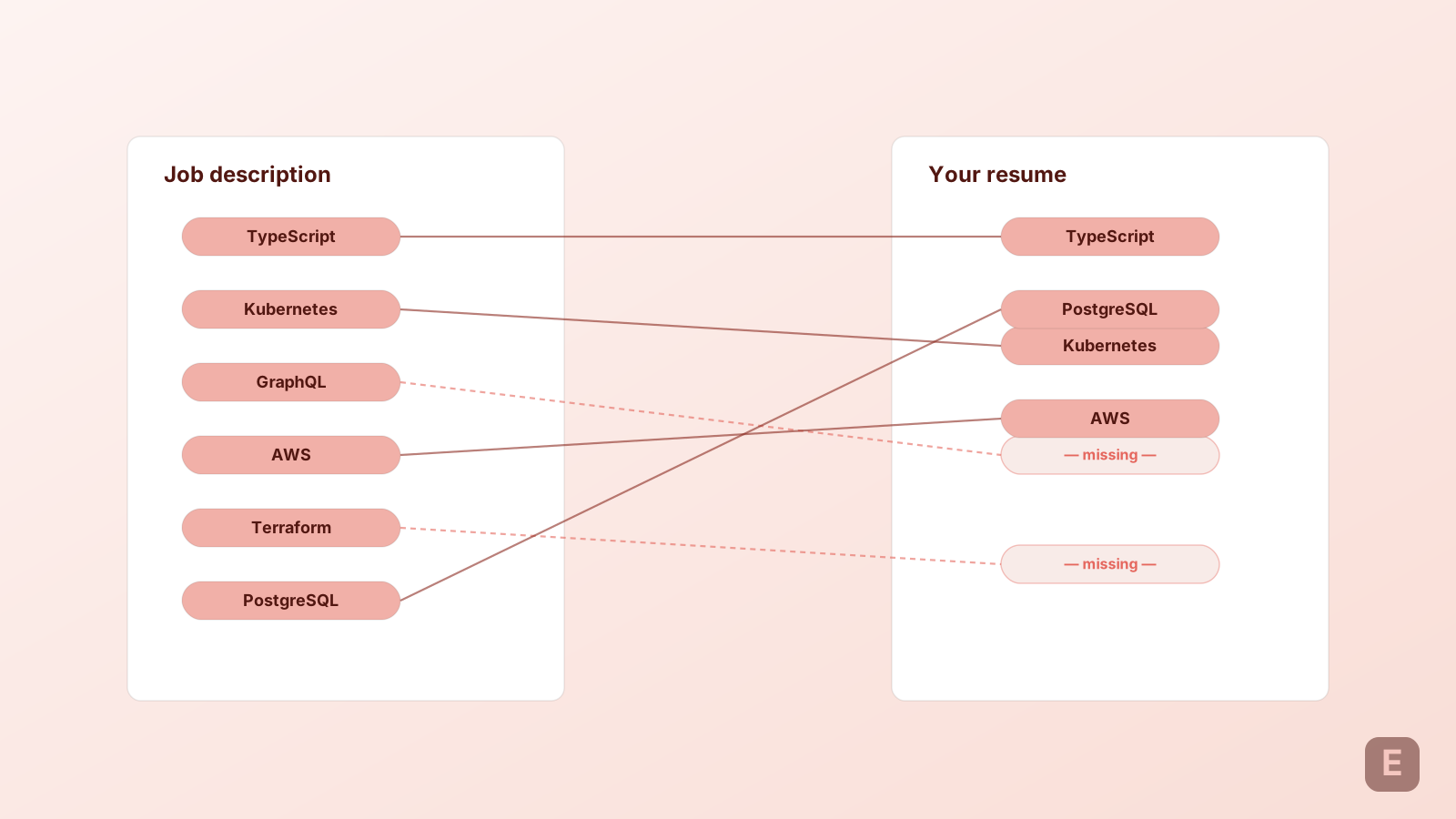
After you've fixed the layout, the highest-return edit is keyword alignment. Recruiter Boolean searches are built from the job description they wrote — so the vocabulary in the JD is exactly the vocabulary you need in the resume. Not synonyms. Exact terms.
If the JD says "Python" write "Python." If it says "React" don't write "React.js." Boolean searches use `WHERE skill = 'React'` — the extra ".js" costs you the match.
- Extract the top 8-15 nouns and named tools from the JD (job title, tech stack, methodologies, certifications).
- Verify each appears in your Skills section AND in at least one Experience bullet (context matters — a keyword only in Skills scores lower).
- For the top 3 nouns (the ones repeated most often in the JD), get them into your first bullet of your most recent role.
The keyword extraction step above is exactly what Emplirao's CV analysis does automatically — paste any JD and get a ranked list of terms missing from your resume, with per-bullet placement suggestions.
Try the keyword analyzerThe bullet formula every recruiter skims for
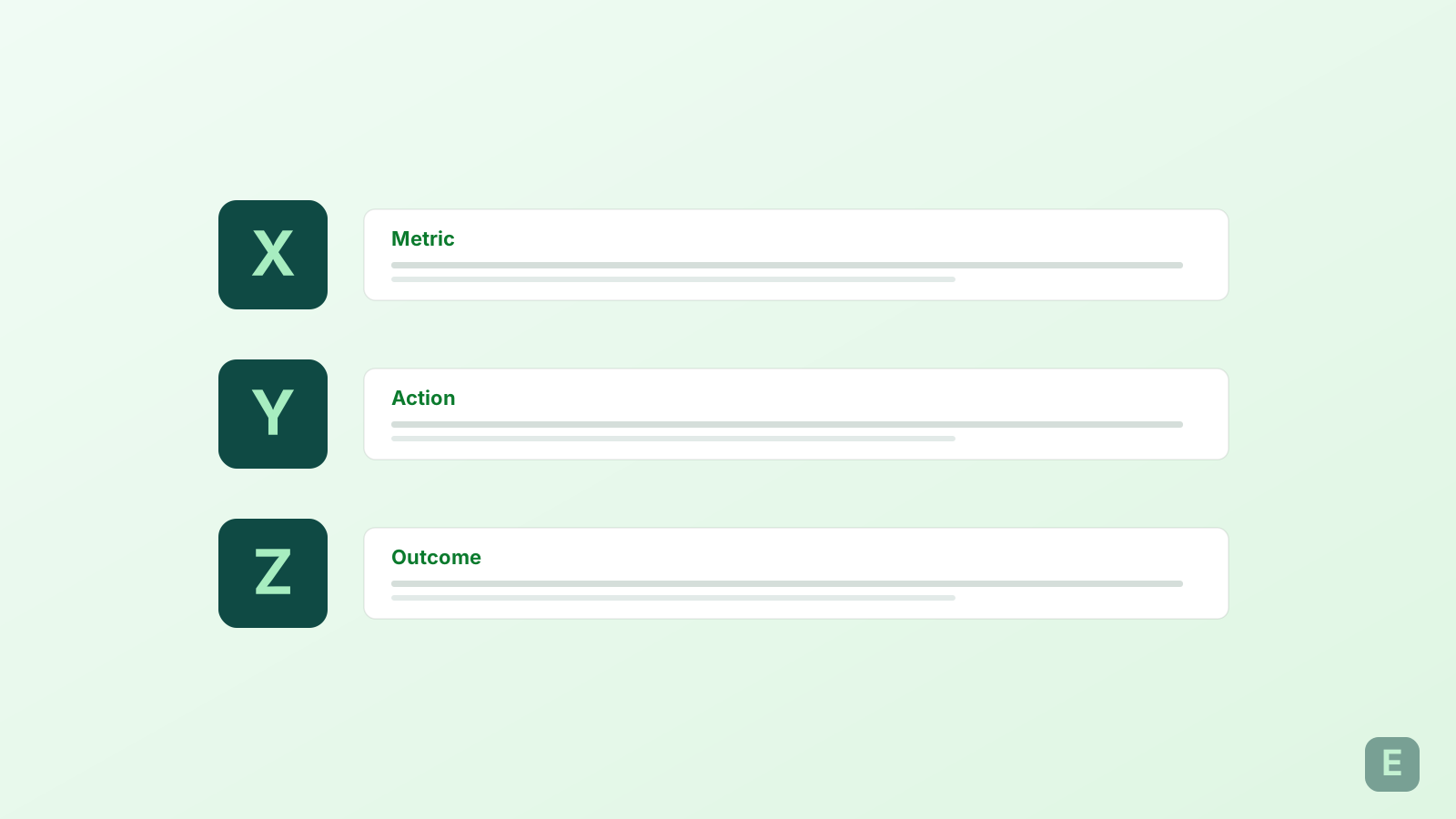
The XYZ formula (Accomplished X, as measured by Y, by doing Z) is what Google's career coaching team teaches — and what recruiters at FAANG-adjacent companies are trained to look for. Bullets missing any of the three parts read as generic. Bullets with all three read as measurable impact.
- Weak: "Managed a team and drove growth." — no X, no Y, no Z.
- Better: "Grew activation 34% (X, measured by DAU/MAU) by rebuilding the onboarding flow across three cohorts (Z)." — X, Y and Z present, cited as evidence.
Sections: what to include and what to cut
- Include: Summary (2 sentences, optional), Experience (reverse chronological), Education, Skills, Certifications, Projects (if relevant).
- Cut for early-career: full address, references ("available on request" is filler), objective statement, hobbies unless directly relevant.
- Cut for senior: everything before your last 10-15 years, unless a signature project earlier is worth naming for the recruiter.
File format, length, and the mistakes to avoid
- Submit PDF unless the JD says .doc/.docx. PDFs preserve formatting; ATS parsing on PDF is at least as good as on .docx in every major system tested since 2023.
- One page for < 10 years of experience; two pages beyond that. Three pages only for academic or highly-specialized roles.
- File name: FirstName-LastName-Role.pdf. Not "resume-final-v3.pdf." Recruiters download hundreds; the good file name still helps.
Start with a template already built for ATS parsing — Emplirao's templates are all single-column, standard-font, and tested against the five major systems above.
Browse ATS-safe templatesOr paste your current resume into the free ATS checker and see where it lands on the 8-item rubric this guide is built on — no signup, no upload.
Run the ATS checkFrequently asked questions
- Do ATS systems really "reject" resumes automatically?
- Almost never. The word "rejected" is a misconception — the ATS parses, indexes, and surfaces resumes; a human recruiter clicks through. What actually happens is your resume gets indexed poorly (or not at all) and never surfaces in the Boolean searches recruiters run. Functionally the outcome is the same, but the mechanism matters for fixing it.
- Is PDF or Word better for ATS?
- PDF, in every major ATS tested since 2023. The old "Word is safer" advice was true for early-2010s Taleo installations. Modern Workday, Greenhouse, Lever, Ashby, iCIMS parse text-based PDFs with no measurable degradation. Only submit .docx if the job description explicitly asks for it.
- Do keywords still matter or is it all AI now?
- Keywords matter more, not less. AI-augmented ATS still surfaces candidates via keyword-first queries — the AI ranks the results, but exclusion still happens at the keyword layer. Missing the exact JD term keeps you out of the ranked pool entirely.
- What's the single fix with the biggest impact?
- Move contact info out of a header/footer element and into plain text at the top of the page. That single fix stops the most common failure mode: the ATS discards your email and phone number entirely, so even when you rank well the recruiter has no way to reach you.